My 2026 Dev Setup After 1000+ Hours Coding
The best developer hardware and tools in 2026. Laptop, keyboard, mouse, monitor, and dev boards for software and hardware projects.

Key takeaways
- The Lenovo Legion 5 i9-14900HX with 32GB RAM handles VMs, builds, and AI workloads as a desktop-replacement laptop, but it lives plugged in because battery life is mediocre.
- WSL2 with Ubuntu 22.04 and Windows Terminal gives you real Linux tools without dual-booting, which matters when hardware work requires Windows drivers.
- Cursor has replaced VS Code as the daily coding environment; the $20/month cost is justified for anyone coding daily, primarily for the inline context-aware completion and built-in codebase chat.
- For hardware: the ESP32-S3 DevKit covers WiFi, Bluetooth, and USB-C natively. The Pinecil V2 handles portable soldering with USB-C power. A logic analyzer with PulseView debugs SPI, I2C, and UART.
People ask what I use. Here it is. My actual dev setup for software and hardware work.
Some links are affiliate links. Everything listed is what I actually own and use.
Fixes when it breaks. Workflows when it doesn't.
OpenClaw guides, configs, and troubleshooting notes. Every two weeks.
The Main Machine
Lenovo Legion 5 16IRX9
My daily driver. Desktop replacement laptop.
Specs:
- Intel Core i9-14900HX
- 32GB RAM
- Windows 11 Home
- 16" display, 2560x1600
Why this:
- Enough power for VMs, builds, and AI workloads.
- Good keyboard for a laptop.
- Stays cool under sustained load.
- Not a "gamer aesthetic" nightmare.
What I'd change:
- Would prefer Linux but too many hardware things need Windows.
- Battery life is mediocre. It lives plugged in.
Peripherals
Keychron K8 Pro (Mechanical Keyboard)
Tenkeyless, hot-swappable, wireless.
Why this:
- Mac and Windows compatible.
- Hot-swap means I can change switches without soldering.
- Bluetooth + wired. Use it with multiple machines.
Switches: Gateron Brown. Tactile, not too loud.
Logitech MX Master 3S
The productivity mouse everyone recommends. They're right.
Why this:
- Scroll wheel is incredible.
- Connects to 3 devices.
- Ergonomics are solid.
Logitech MX Master 3S on Amazon
Dell U2723QE (4K Monitor)
27" 4K IPS. USB-C hub built in.
Why this:
- 4K at 27" is the right pixel density for code.
- USB-C single cable setup.
- Color accuracy is good enough for web work.
Software Stack
VS Code
Still the best general-purpose editor.
Extensions I use:
- GitLens
- Prettier
- ESLint
- Remote SSH
- Thunder Client (API testing)
Free. Just install it.
Windows Terminal + WSL2
Windows but with real Linux underneath.
Setup:
- Ubuntu 22.04 in WSL2.
- zsh with oh-my-zsh.
- Windows Terminal as the frontend.
This gives me Linux tools without dual-booting.
Cursor
AI code editor. Forked from VS Code.
Covered in Jerry's post. Worth the $20/month.
Figma (Free tier)
For quick mockups and diagrams. Free tier is enough.
Hardware Development
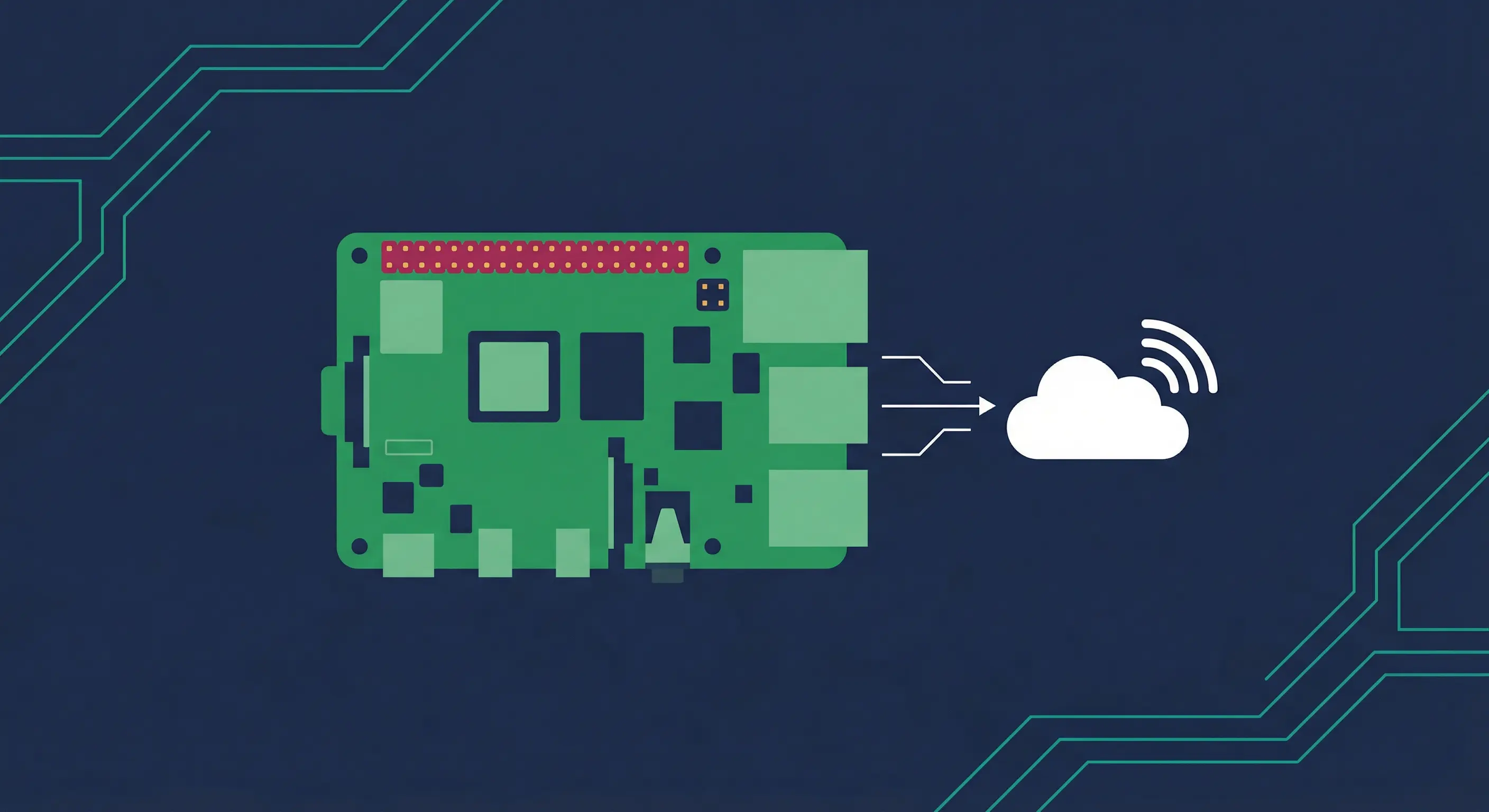
ESP32-S3-DevKitC-1
Main dev board for RatelRF and other projects.
Why this:
- WiFi + Bluetooth.
- USB-C native (finally).
- Cheap enough to embed in prototypes.
Pinecil V2
Soldering iron. USB-C powered. RISC-V brain.
Why this:
- Heats up in seconds.
- Open source firmware.
- Portable.
Logic Analyzer (24MHz, 8-channel)
The cheap Saleae clone. Works fine with PulseView.
Why this:
- $15 and does the job.
- Sigrok/PulseView support is solid.
- Good enough for SPI, I2C, UART debugging.
What I Don't Use
- MacBook: Windows is better for my hardware work.
- Standing desk: Tried it. Didn't stick.
- Ultrawide monitor: 4K 27" is enough.
- RGB everything: No thanks.
Affiliate Disclosure
Some links on this page are affiliate links. If you click and purchase, I may receive a small commission at no extra cost to you. Everything listed is gear I actually own and use.
The Summary
| Item | Purpose | Price Range |
|---|---|---|
| Legion 5 | Main laptop | ~$1500 |
| Keychron K8 | Keyboard | ~$100 |
| MX Master 3S | Mouse | ~$100 |
| Dell 4K Monitor | Display | ~$500 |
| Cursor | AI editor | $20/mo |
| ESP32-S3 | Dev board | ~$15 |
| Pinecil V2 | Soldering | ~$30 |
Nothing revolutionary. Just solid tools that don't get in the way.
Fixes when it breaks. Workflows when it doesn't.
OpenClaw guides, configs, and troubleshooting notes. Every two weeks.