Fix Vercel Next.js CVE-2025-66478 Deploy Block
Vercel blocked my Next.js deployment for CVE-2025-66478. Here is what the error means, which versions are patched, and how to fix it.
Key takeaways
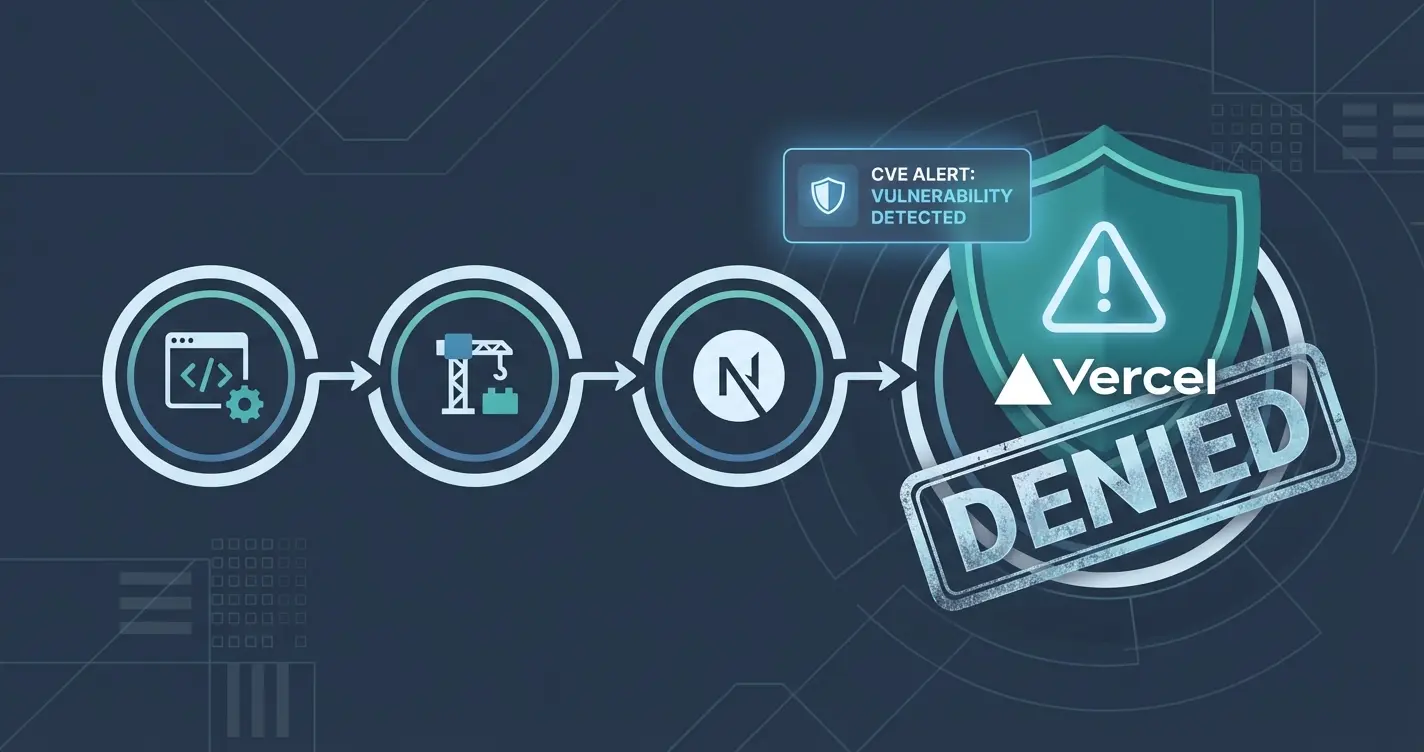
Vercel will hard stop new deployments if it detects a vulnerable Next.js version tied to CVE-2025-66478. The fix is not magic. Upgrade Next.js to a patched release and redeploy. Do not treat WAF rules as a complete solution.
Fixes when it breaks. Workflows when it doesn't.
OpenClaw guides, configs, and troubleshooting notes. Every two weeks.
The exact error and what it means
If you see something like:
Error: Vulnerable version of Next.js detected, please update immediately.
That is Vercel telling you it is refusing to ship a known vulnerable framework build.
Under the hood, this is tied to a React Server Components security issue commonly referred to as React2Shell.
What CVE-2025-66478 is, in plain English
CVE-2025-66478 is a critical vulnerability in the React Server Components protocol as implemented in Next.js. Under certain conditions, specially crafted requests can lead to unintended code execution. It is not the kind of thing you want sitting behind a public URL.
I am keeping this post focused on getting you patched and redeployed. Read the primary bulletins if you want the full exploit context.
Am I affected. Quick version check
You are affected if your deployed Next.js version falls in the vulnerable range called out by the official bulletins.
Practical checks:
- Check your
package.jsonfornext. - Check what actually deployed, not just what you think you are running.
- If you are on Vercel, look for dashboard warnings and build log messages.
Fix path. Upgrade to a patched Next.js release
Pick a patched version, do not guess
The safest approach is to follow the official advisories and upgrade to one of the patched Next.js releases they list.
If you are already on a modern Next 15 or 16 line, prefer the smallest jump that lands you on a patched version.
Upgrade steps (npm)
- Update Next.js:
npm install next@latestIf you need to stay on a specific major line, install the latest patch within that line instead.
- Regenerate and commit your lockfile.
This matters because many CI pipelines run npm ci, and npm ci will fail if package.json and package-lock.json are out of sync.
- Build locally:
npm run build- Redeploy.
On Vercel, a push to your production branch is usually enough.
After the upgrade. Hardening checklist
- If your app was online and unpatched during the initial disclosure window, consider rotating sensitive secrets.
- Review who has access to preview deployments and share links. Treat them as production-adjacent.
Common gotchas
npm ci fails after upgrade
If your pipeline uses npm ci and it fails, the fix is usually simple. Commit the regenerated lockfile produced by npm install.
Support
If you want to support this blog, I will eventually publish a simple Tools page. Use the links there when it's live.
Sources
- Vercel security bulletin (React2Shell / CVE-2025-66478): https://vercel.com/kb/bulletin/react2shell
- Vercel changelog on blocking vulnerable Next.js deploys: https://vercel.com/changelog/new-deployments-of-vulnerable-next-js-applications-are-now-blocked-by
- Next.js security advisory post: https://nextjs.org/blog/CVE-2025-66478
- Next.js GitHub security advisory: https://github.com/vercel/next.js/security/advisories/GHSA-9qr9-h5gf-34mp
- npm ci docs: https://docs.npmjs.com/cli/v10/commands/npm-ci
Fixes when it breaks. Workflows when it doesn't.
OpenClaw guides, configs, and troubleshooting notes. Every two weeks.